



Texturing
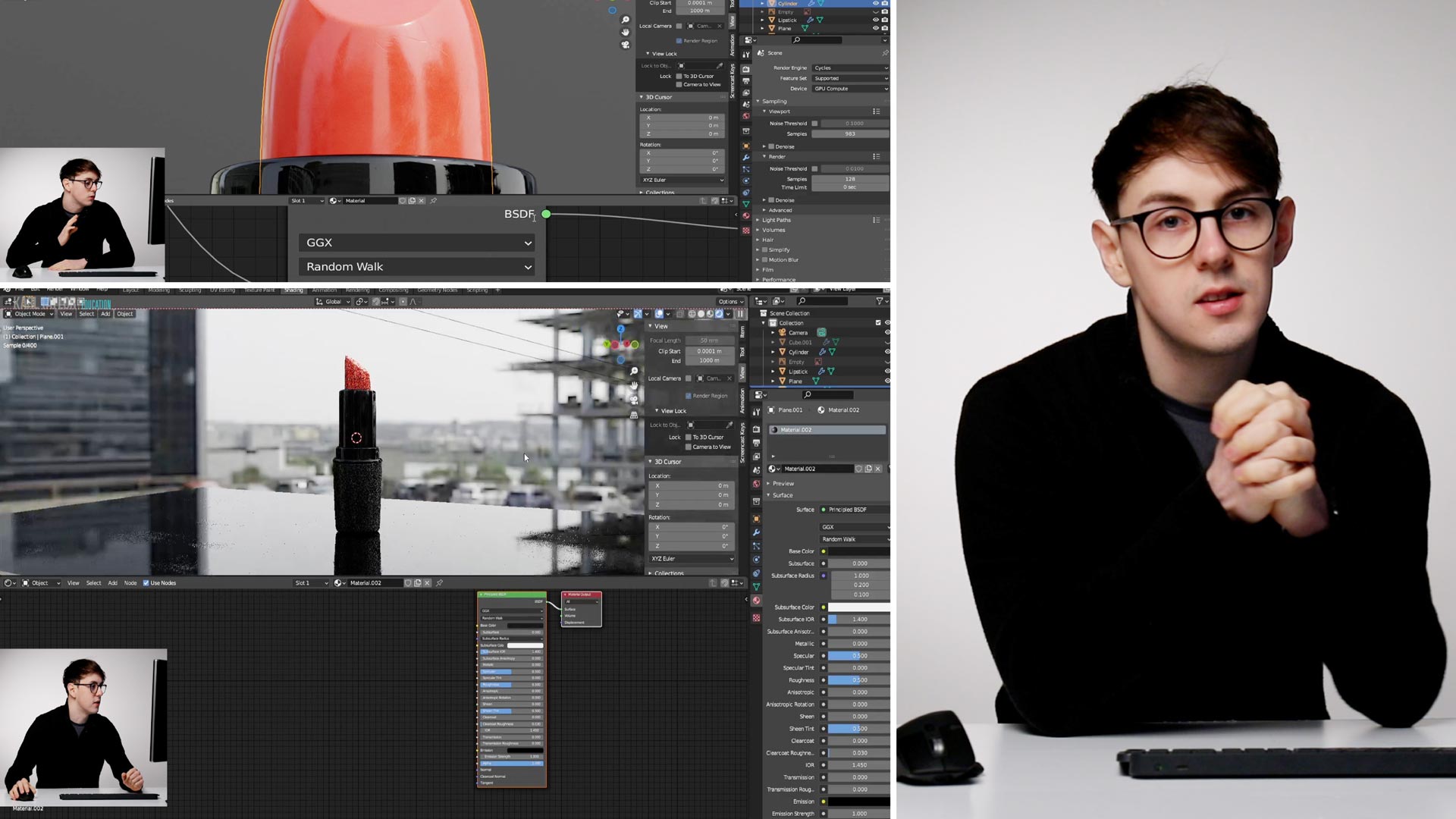
In the fifth in our series of Blender 3D Basics classes, Ethan Davis shows you how to use texturing to make your 3D CGI models look more photorealistic.
The textures Ethan illustrates include fingerprints, scratches, and dust, as well as a variety of surfaces ranging from rough to glossy.
Some of the properties he demonstrates include Roughness, Metallic, Specular Tint, Anisotropic, Sheen, and more.
As he moves between Shading and Editing mode, he shows you how to use normal maps and bump maps, and demonstrates UV unwrapping.
This comprehensive texturing tutorial will boost your Blender skills significantly.
You may also find it useful to refer to the Bump Map, Emission, Index of Refraction, Node, Normal Map, Normals, Texture Mapping and UV Map entries in our 3D CGI Terminology A-Z.
NOTE: The specific texture Ethan uses for the lipstick is available to download here.
For other textures (free and paid-for), Ethan recommends the following resources:
Please note that this page contains affiliate links. While we only recommend products and resources that we believe in, we may benefit financially from any purchases you make via these links.
Comments
Lost me completely on this one. I am understanding most of the concepts, but lots of operations hidden.
When I switch to “Shading” the object gets extremely small (I thought that it had disappeared at first). I can zoom in to some extent, but still it appears very small. Any help would be appreciated!
I have the same problem.
This is the lesson where Ethan is losing me. I’ve watched all the terms lessons and while they do tell a bit about what they mean, they don’t really give many examples to help me understand what they mean. With this specific lesson, it seems like Ethan is simply doing the work and assuming I know what he’s talking about. It’s missing the fundamental explanations of these tools and why we use them, how they work, etc. It feels more like he’s winging it by explaining his thoughts as he goes along, but it doesn’t feel catered to a beginner. Why are you unwrapping geometry? I don’t have a clue what makes an unwrap good or bad. How does unwrapping work? What are these nodes? How do nodes work? What are the limitations of nodes? Why would you use nodes rather than some other method?
I’m so agree with you, this is going really fast, I have the same questions as you. To add a bit of complexity, things seems to have change in the newest version of blender…. I ‘m lost !
Six weeks of waiting for a reply to my questions and still nothing. Do you never answer peoples’ questions? All I see here is a bunch of unanswered questions.
Hi Bleavitt, please can you tell me where your questions are? I haven’t seen any questions from you in our comments sections on our videos? I answer them daily.
It’s two comments up from your reply, on the blender texturing lesson.
Hi, OK I’ll ask Corey to reply to you on this as I’m afraid I’m not an expert on 3D classes i’m lighting and photography or film making.
Hi Bleavitt, thanks for your questions, and sorry for the delay in getting them answered. I’ll try to answer them as best I can here.
When you create a 3D model in Blender, it’s like a virtual sculpture made up of polygons. Each polygon has its own texture, but to apply a texture to the entire model, you need to “unwrap” the polygons first. Imagine you have a globe, and you want to create a 2D map of the Earth. To do this, you need to “unwrap” the surface of the globe onto a flat piece of paper, just like you need to unwrap the surface of a 3D model onto a 2D UV map. The way you unwrap the globe will affect how accurate and useful your 2D map is, just like the way you UV unwrap a 3D model will affect how accurate and useful your textures are.
To UV unwrap a model, you need to select the polygons you want to unwrap, and then choose the UV Unwrap option in the UV Mapping menu. This will generate a flat map of your 3D model’s surface, which you can then use to paint your textures.
A good UV unwrap is one that minimizes stretching and distortion of the polygons. If a texture is applied to a polygon that has been stretched, it will appear distorted. So, a good UV unwrap will ensure that each polygon is represented accurately and proportionally on the UV map, allowing you to accurately position your textures.
In regards to material nodes, this is a system that can be used to provide more complexity and control in the texturing process compared to just using drop down menus. Each node represents a specific material property, such as colour or texture, and by connecting nodes together (creating what is called a “node tree”), you can create complex and detailed materials. For example, you could combine an image texture node with a glossy node to create a shiny, textured surface.
Material nodes do have their limitations. They can be difficult to learn, and creating complex materials can be time-consuming. Additionally, material nodes can sometimes cause performance issues if your materials are too complex.
Overall, though, while they may appear daunting, working with material nodes is an incredibly powerful and flexible workflow.
There is no Mixrgb node in 3.4
try Mix and change to Color in slider and blending mode to Add
Hi, i don’t think you really explained what “mark seem” is and what it’s meant for
Hi, when you first introduced UV editing I was so lost because I saw nothing on my UV editing window, I had to search youtube to find out what was wrong. I think there are a lot of things you’re skipping over in this process, and I don’t feel like I’m being carried along
Hi Ethan, i really do not understand what you’re doing with the mix shader and geometry node, and why it does what it does, please can you explain better
Karl & Ethan – small suggestion on these videos.
I’m learning blender and actually modelling a product I need to create for a client. It just worked out that I had created all the images for their new product line for their website and this particular product cannot be photographed because it is new, they have not gotten the bottle and the finished packaging yet. I suggested putting the images together with 3D. A very simple product.. a capped bottle with similar textures to all their others.
Because I need to solve a problem and then find help within the videos, like setting up the camera, setting up the render, applying different node solutions for materials, and on and on… I am constantly searching the videos for that little snippet where I can find to solve a certain sub menu or creating the appropriate chain of nodes.. honestly, I think I have watched the videos 6x over trying to find those little tidbits of information, and to be honest, they go by very quickly. (Ethan does a brilliant job but he runs through things at a good clip). My suggestion is a list of time links to sections in the videos. It would make revisiting this process heavy software a touch easier to learn and apply.